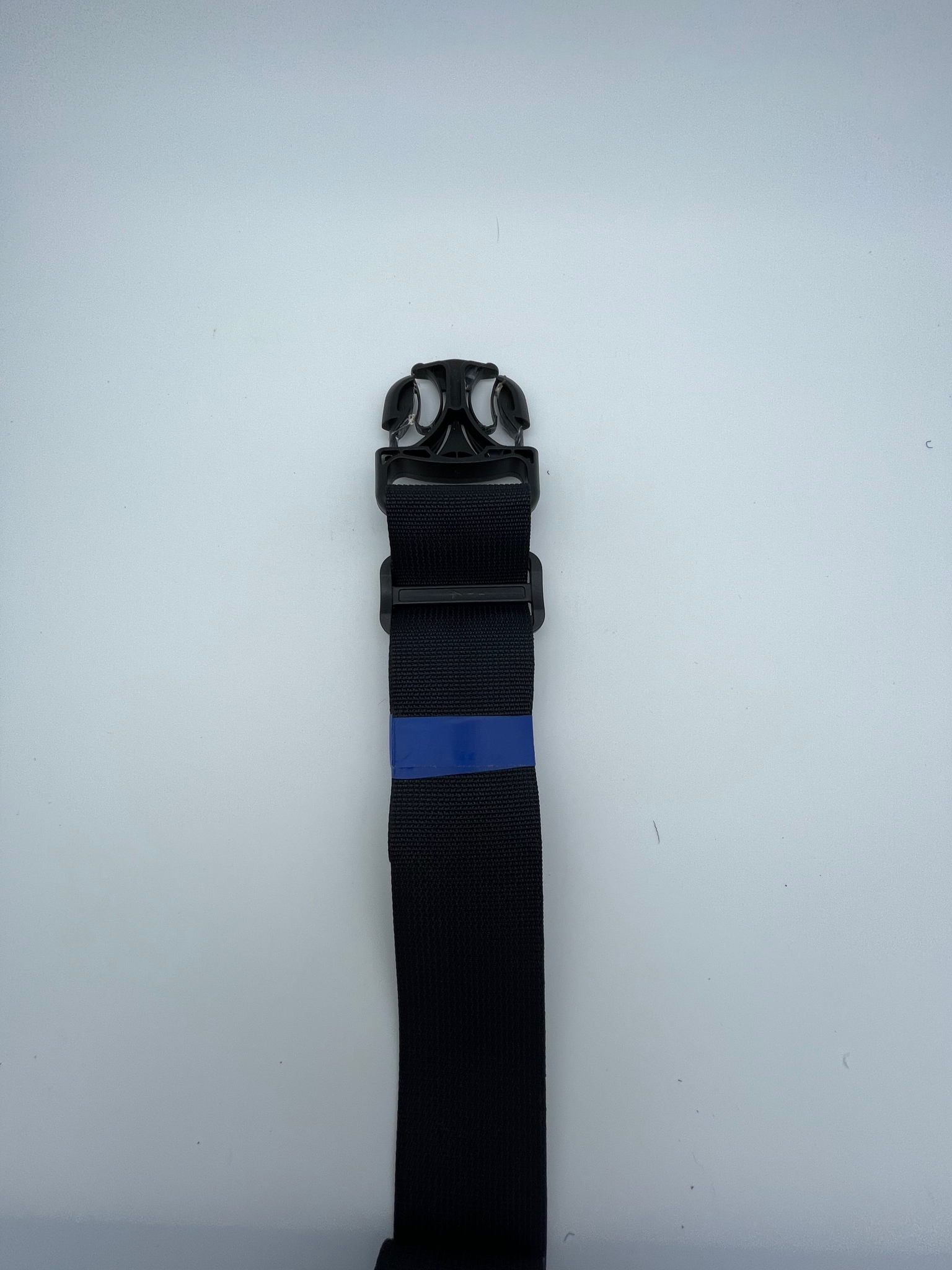

Counterweight Strap Setup
This guide covers how to thread and adjust the counterweight straps on the Tauro collar device.
Contents
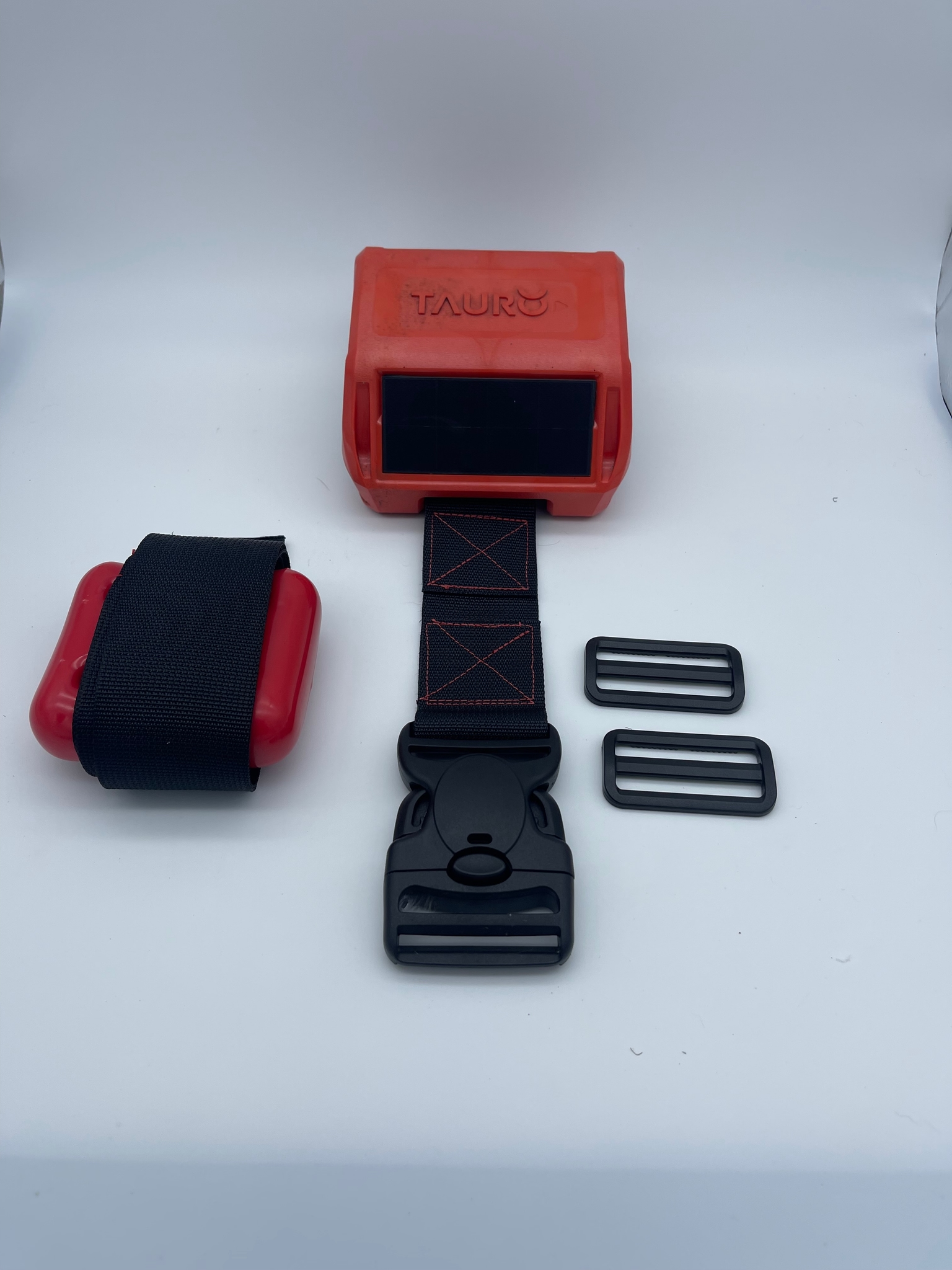
What's Included
Your collar kit includes the following strap components:
- 1 x Tauro collar (buckles pre-installed on each side)
- 1 x Counterweight with strap
- 2 x Webbing sliders
Threading the Straps
The collar comes with buckles already attached to each side. Each side requires one webbing slider to be threaded as follows:
- Take one webbing slider and slide the free end of the counterweight strap through it.
- Pass the strap up through the buckle bar (the lower bar of the pre-installed buckle).
- Feed the strap back down through the webbing slider, creating a folded loop between the slider and the buckle.
Repeat this process for the other side of the collar using the second webbing slider.
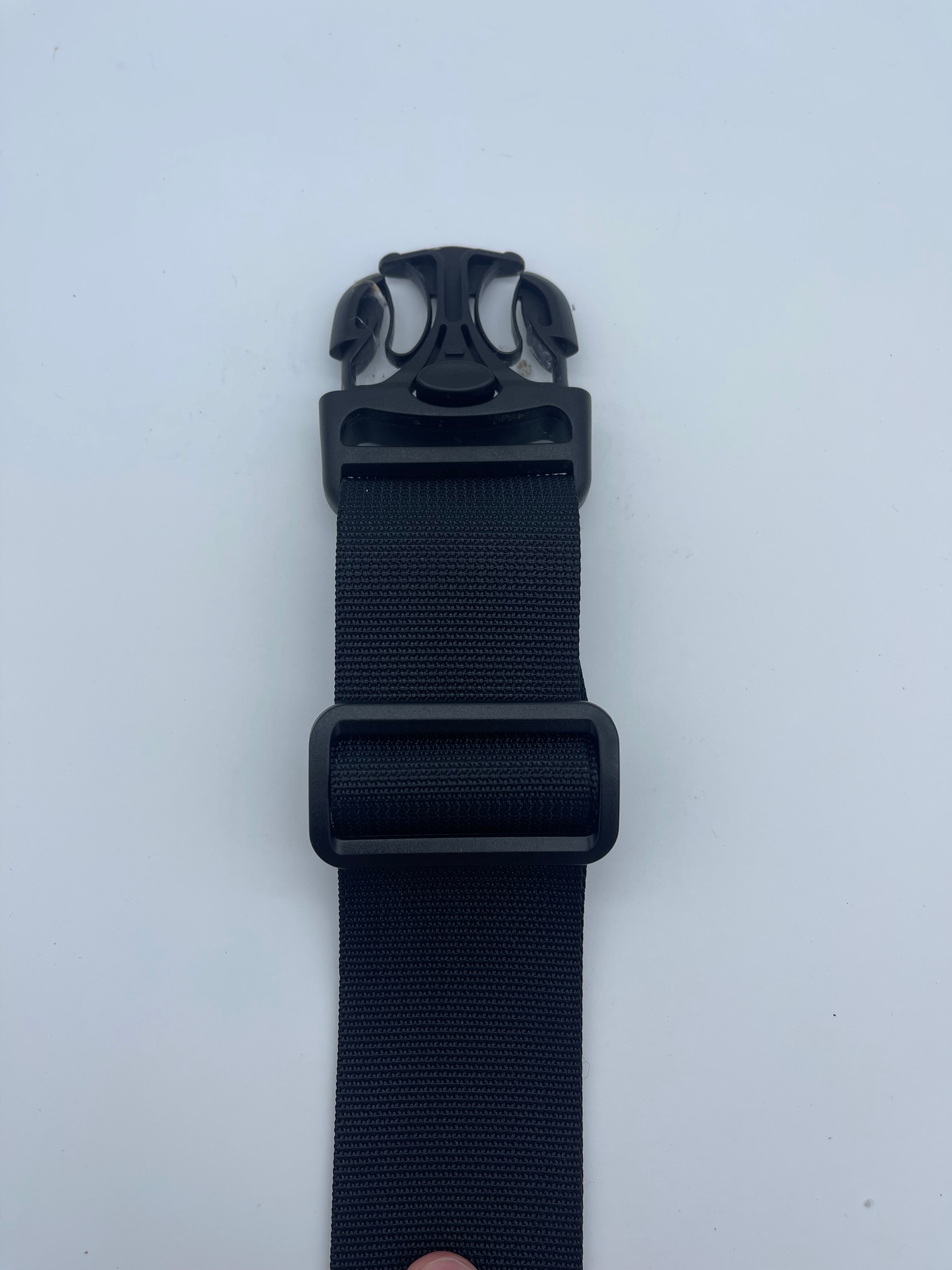
The webbing slider should sit below the buckle, with the strap running up through the buckle and back down through the slider.
Adjusting the Fit
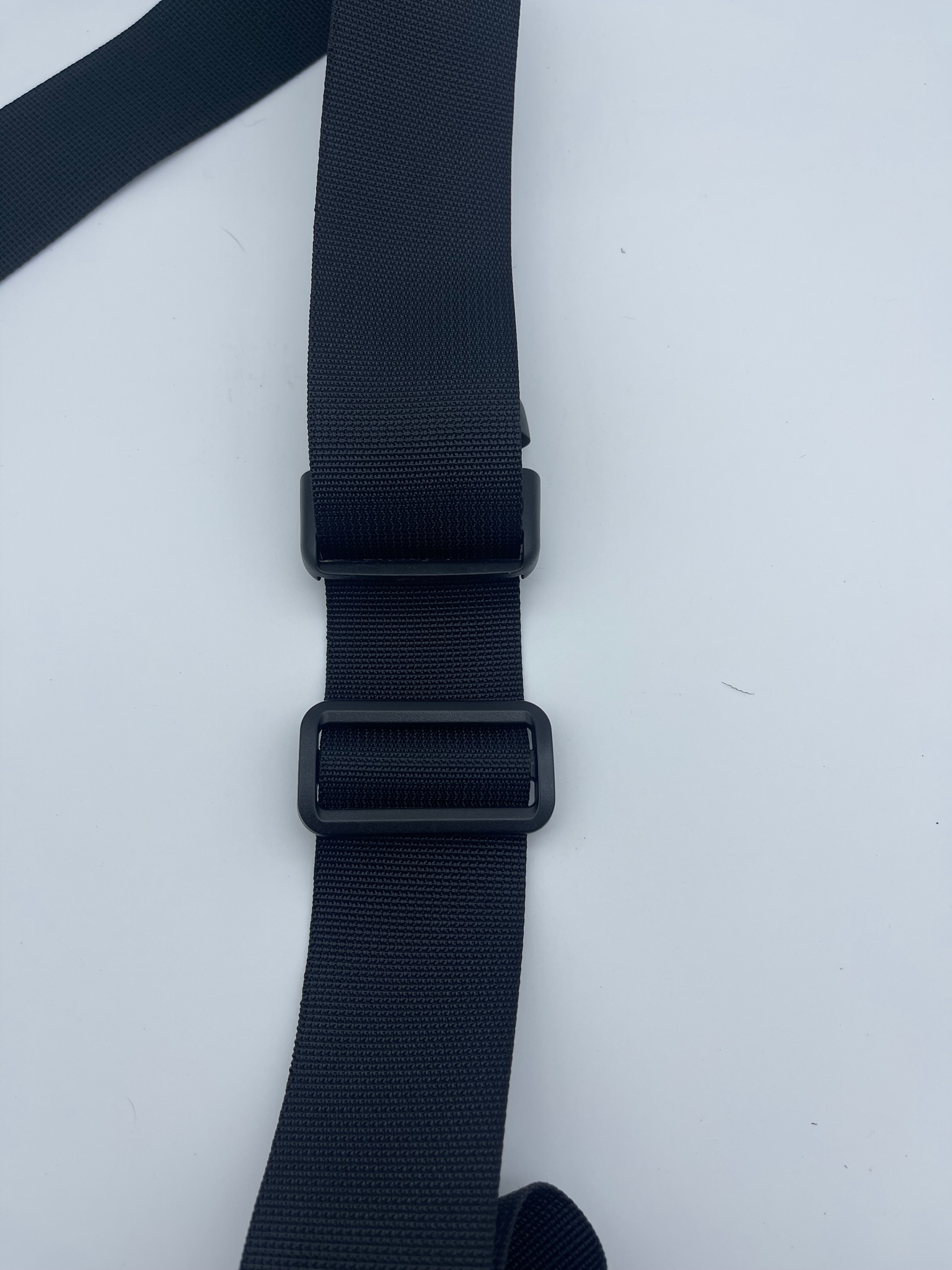
Once both sides are threaded, fit the collar on the animal and adjust the strap length on each side by pulling the free end of the strap through the webbing slider. The buckle mechanism allows the collar to be clipped open and closed without losing the adjusted length.
Securing Excess Webbing
After setting the correct length, there will typically be excess strap remaining beyond the webbing slider. We recommend securing this excess by wrapping it tightly with electrical tape or wide duct tape to prevent it from catching on vegetation or becoming a hazard.