

Dashboard
Logger Export
Downloading raw logger data via the Tauro Dashboard.
Raw logger data can be downloaded directly from the Dashboard.
This applies to Ceres tags and other logger-enabled devices.
Viewing Logger Status
The status of logger-enabled devices can be found either in the Device Table in the Overview page or the Summary in the Device Page.
This indicates how many logger blocks have been downloaded, how many are remaining and the last download time this is useful for confirming whether data collection is complete before exporting.
Exporting Logger Data
To export logger data:
- Navigate to the device’s page.
- Click Export Logger Data.
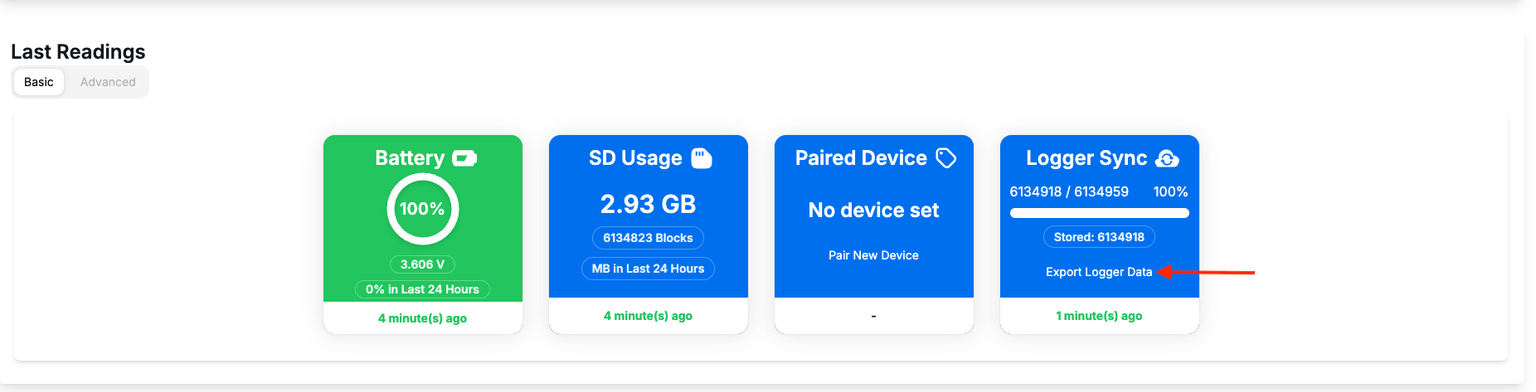
- Then you will see the estimated download size
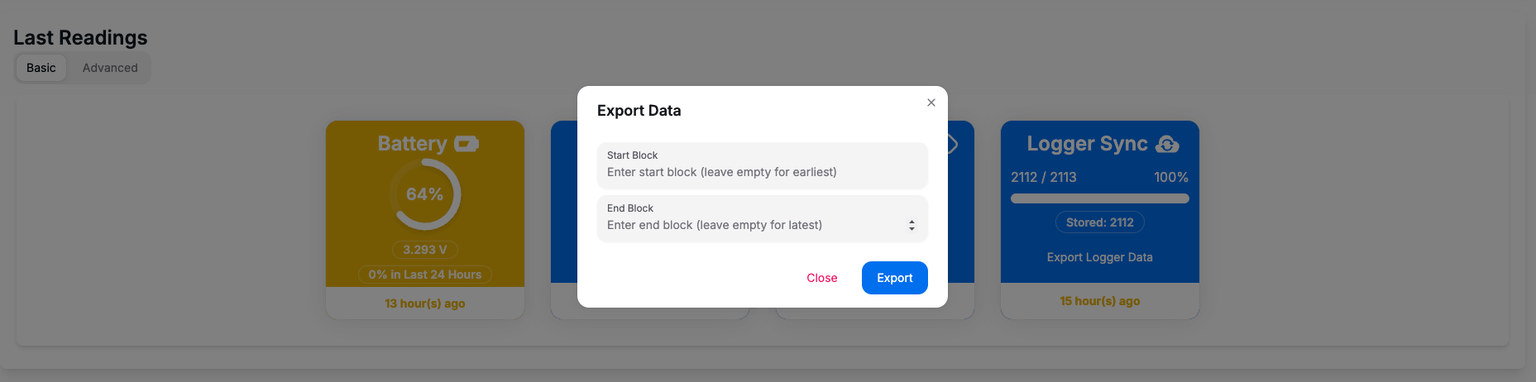
- Click Download. Note: this may take a while depending on the size of the downloaded data, but the browser should give an estimation of time and remaining data.
Export Result
A .bin file will be downloaded.
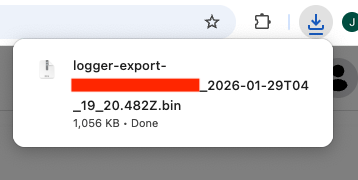
This file contains the raw logger data from the device.
Use the Tauro decoder tool to convert the .bin file into .csv files for analysis.