

Dashboard
Signing Up
Creating an account for the Tauro Dashboard.
To create a Tauro Dashboard account, navigate to:
https://dashboard.dev.taurocollar.com/auth/register
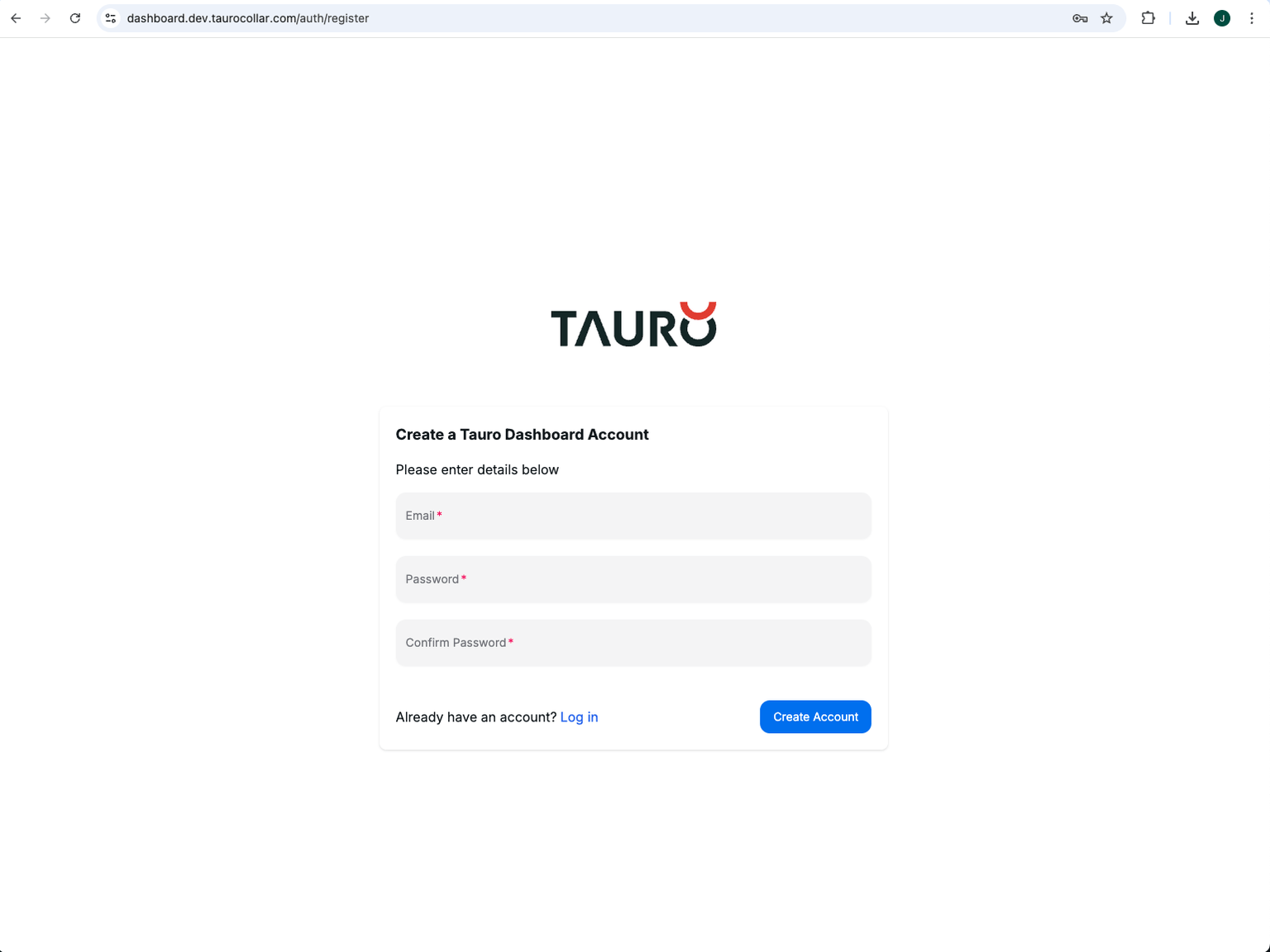
Complete the registration form and submit your details.
You will receive a verification email from:
Important
The verification email may be delivered to your junk or spam folder. If you do not see the email in your inbox, please check there.
Click the verification link in the email to activate your account.
Once your email address has been verified, you will be able to log in.
Organisation Access
After logging in for the first time, you will be prompted to select an organisation.
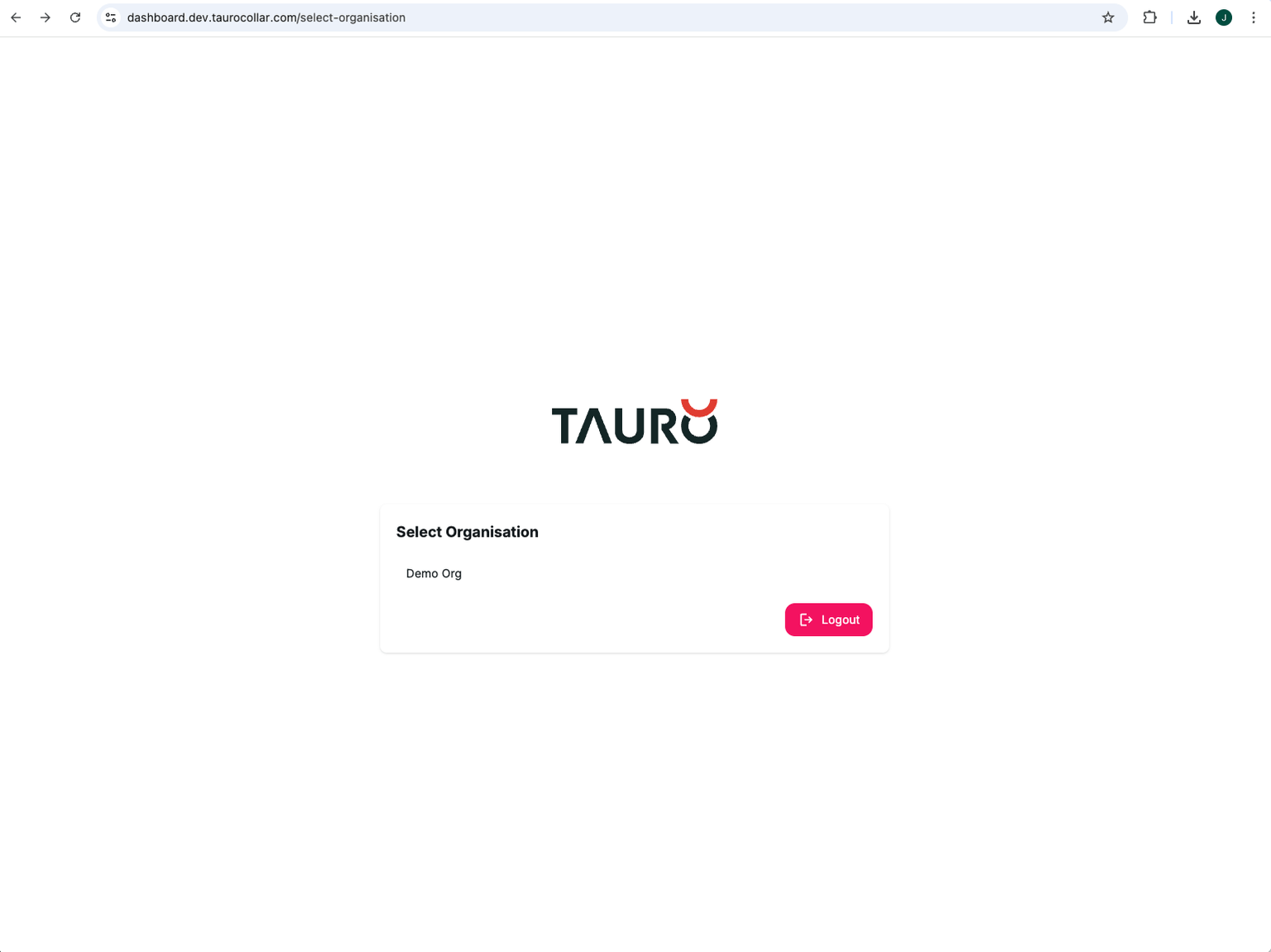
New accounts are initially granted access to:
Demo Org
To request access to your organisation, email:
Include:
- Your organisation name
- The email address(es) that require access
Access will be granted by a Tauro administrator.